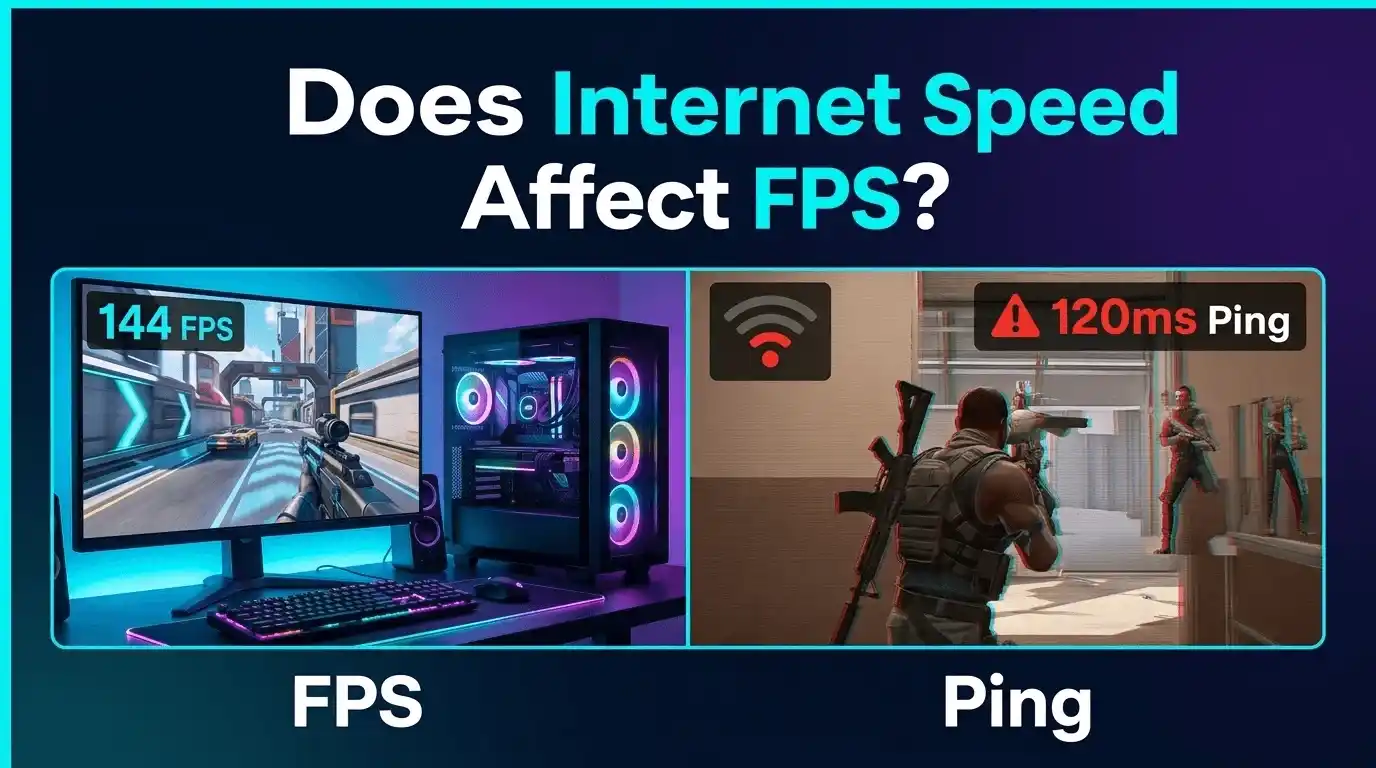
Ever been in an online match where the game feels laggy, stuttery, or delayed — and you instantly blame your internet for low FPS? You’re not alone. One of the biggest misconceptions in PC and console gaming is that faster internet automatically means higher FPS.
The reality is more technical than that.
In most cases, internet speed has absolutely no effect on your frame rate. FPS and ping are two completely different systems: one depends on your hardware, while the other depends on your network connection. Understanding the difference can save you from wasting money on unnecessary internet upgrades when the real problem is your GPU, CPU, or settings.
This guide breaks down exactly how FPS works, what ping actually means, whether WiFi affects gaming performance, and the rare situations where internet issues can feel like FPS drops.
What Is FPS in Gaming — And What Actually Controls It?
FPS is closely related to the concept of frame rate in computer graphics, which is explained in detail on Wikipedia as the number of consecutive images displayed per second. Frame rate (Wikipedia)
What Is FPS in Games? (Frames Per Second Explained Simply)
FPS stands for frames per second — the number of images your graphics card renders every second while gaming.
Higher FPS creates smoother and more responsive gameplay:
- 30 FPS → Basic console-level smoothness
- 60 FPS → Standard modern gaming experience
- 120–144+ FPS → Competitive gaming performance
FPS is a hardware metric, not a network metric. Your GPU and CPU generate frames locally on your PC or console.
What Determines FPS on a PC?
If you want a deeper breakdown of how each component impacts performance, check out our guide on What PC Parts Affect Gaming the Most (Complete FPS Performance Guide) where we explain GPU vs CPU bottlenecks in detail.
Several components directly affect your frame rate:
- GPU (Graphics Card): The single biggest FPS factor
- CPU: Important in multiplayer and CPU-heavy games
- RAM: Faster dual-channel memory improves performance in some titles
- Graphics Settings: Resolution, shadows, anti-aliasing, and ray tracing heavily affect FPS
- Game Optimization: Better engines deliver higher FPS on identical hardware
For example, lowering resolution from 4K to 1080p can nearly double FPS on the same GPU.
What Is Ping in Gaming? (Latency vs FPS — Not the Same Thing)
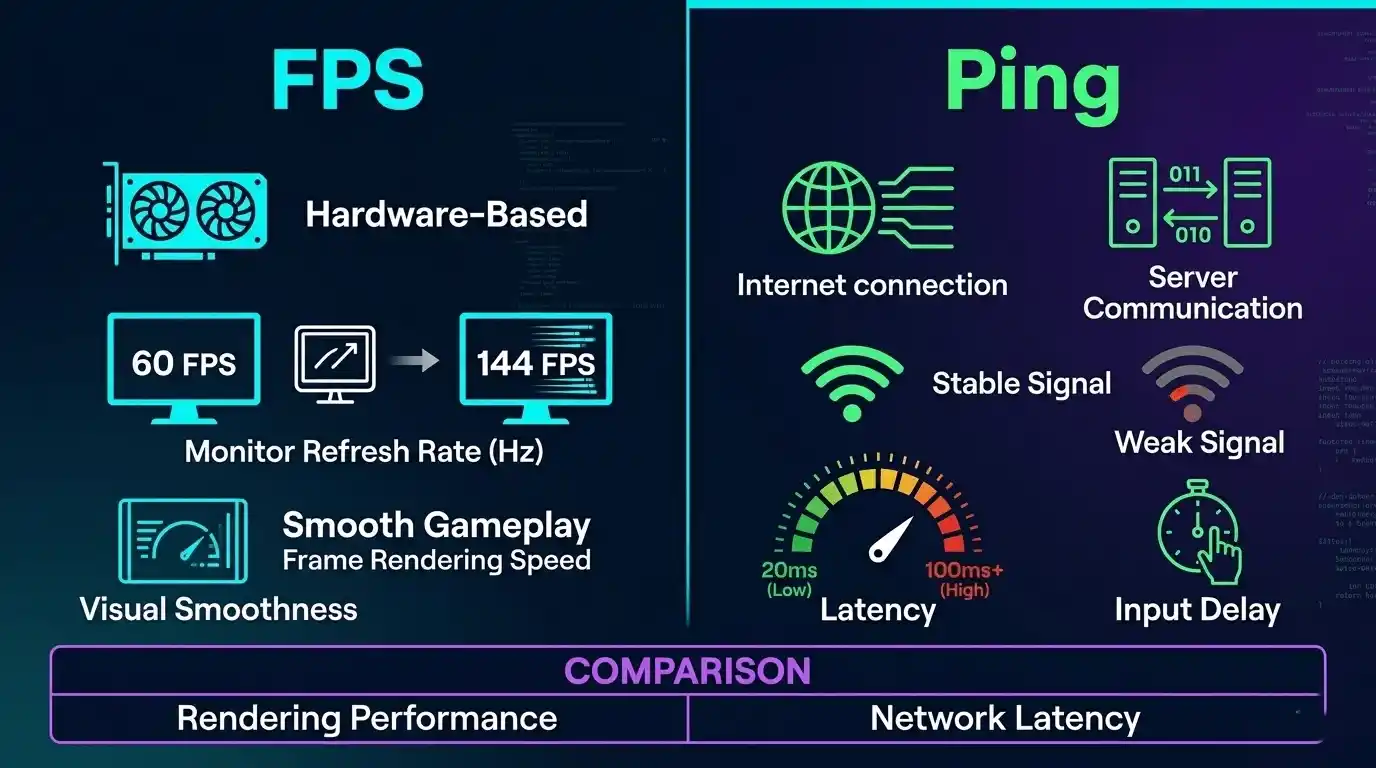
Ping measures how long data takes to travel between your device and the game server.
Unlike FPS, ping is entirely network-related.
| Ping Range | Rating | Effect on Gameplay |
| Under 20ms | Excellent | Near-instant response |
| 20–60ms | Good | Smooth online gaming |
| 60–100ms | Acceptable | Slight delay |
| 100–150ms | Poor | Rubber-banding |
| 150ms+ | Bad | Severe lag |
FPS = local rendering performance
Ping = network communication speed
They are not the same thing.
Does Internet Speed Affect FPS in Games? (Direct Answer)
Does Internet Affect FPS? The Short Answer
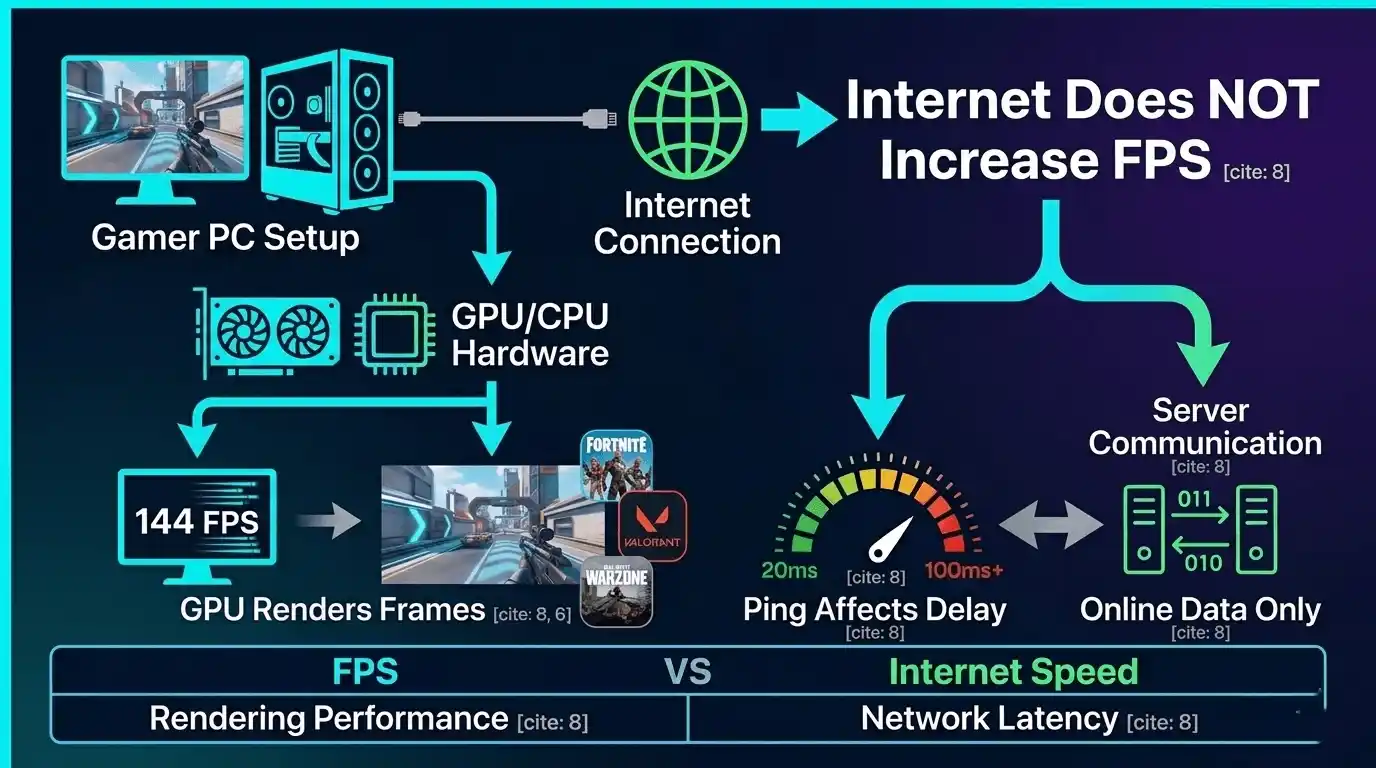
No — internet speed does not affect FPS in normal gaming.
Your GPU and CPU render frames locally on your machine. The internet only sends gameplay data like:
- Player positions
- Actions
- Match updates
- Server synchronization
None of these increase or decrease your GPU’s rendering workload.
This applies to:
- Single-player games
- Multiplayer shooters
- Battle royale games
- MOBAs
- MMOs
Whether you have 10 Mbps or 1 Gbps internet, your FPS will remain the same if your hardware and settings are identical.
Does Internet Speed Affect FPS in Games — Fortnite, Warzone, Valorant?
Here’s the truth for popular online games:
- Valorant: FPS depends on CPU and GPU performance
- Fortnite: Graphics settings and hardware determine frame rate
- Warzone: CPU, GPU, RAM, and optimization matter most
- PS4 / PS5 gaming: Console FPS caps are hardware-locked
Gaming communities and Reddit discussions consistently confirm the same thing: upgrading internet speed alone does not increase FPS.
Is FPS Affected by Internet Connection — Edge Cases Where It Can Be
There are a few exceptions.
Cloud Gaming
Services like:
- NVIDIA GeForce Now
- Xbox Cloud Gaming
- PlayStation Plus Cloud Streaming
actually stream gameplay over the internet. In these cases, internet quality directly affects effective frame rate and stream smoothness.
Background Downloads
Large downloads can:
- Consume CPU resources
- Fill RAM usage
- Cause storage bottlenecks
This can indirectly reduce FPS.
Severe Packet Loss
Packet loss creates:
- Rubber-banding
- Freezing
- Stutters
These issues often feel like FPS drops even when the frame counter stays high.
Does WiFi Affect FPS? (WiFi vs Ethernet for Gaming)
Does WiFi Affect FPS Directly?
No — WiFi does not directly lower rendered FPS.
However, unstable wireless connections can create:
- Higher latency
- Packet loss
- Jitter
- Connection spikes
These issues make gameplay feel choppy even if your FPS counter shows 100+ FPS.
WiFi vs Ethernet — Gaming Performance Comparison
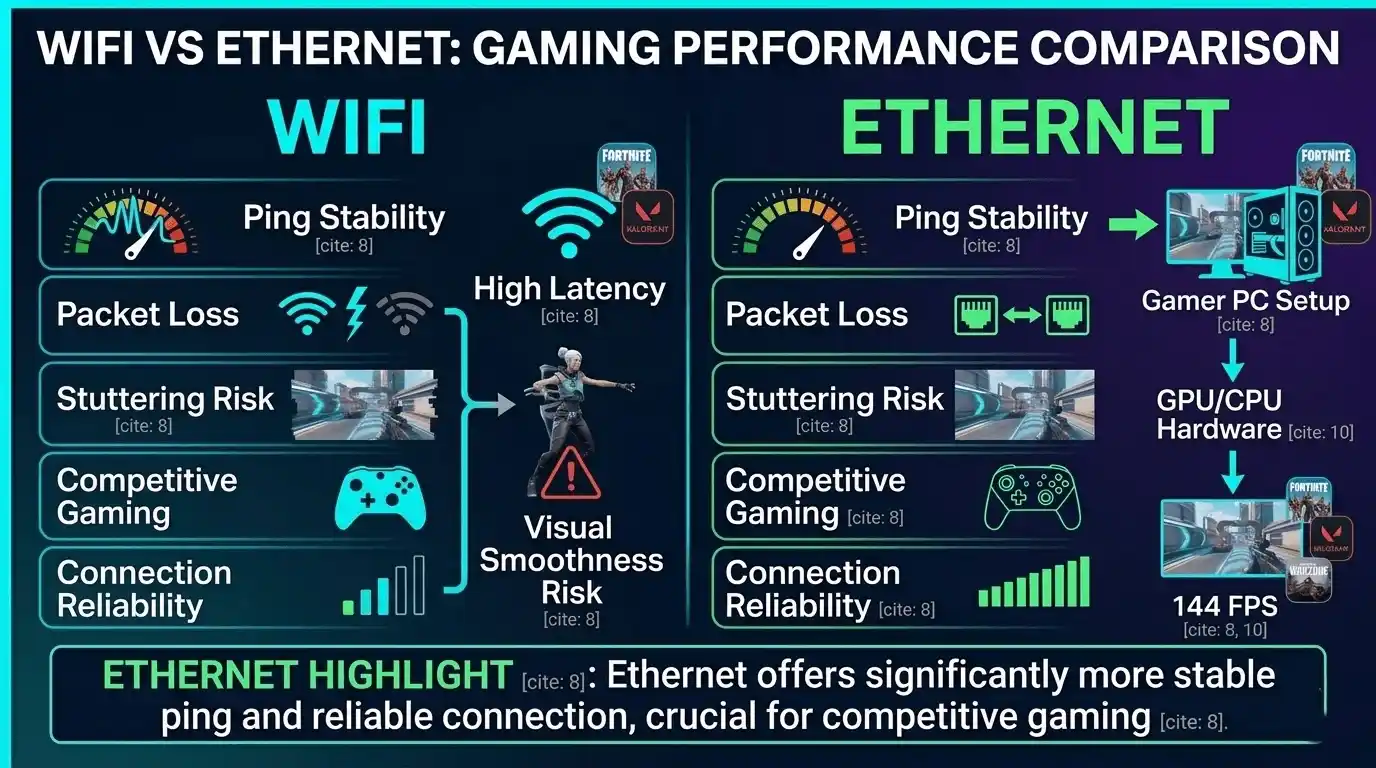
| Factor | WiFi | Ethernet |
| Ping Stability | Variable | Consistent |
| Packet Loss | More common | Rare |
| FPS Impact | No direct effect | No direct effect |
| Stuttering Risk | Higher | Lower |
| Competitive Gaming | Acceptable | Recommended |
Ethernet remains the best option for competitive online gaming because it minimizes network instability.
Does Internet Lag Cause FPS Issues? (Diagnosing the Real Culprit)
Here’s how to identify the actual problem.
FPS Problem Signs
- Low FPS counter
- GPU usage maxed out
- Frame time spikes
- Choppy menus and offline gameplay
Ping Problem Signs
- Enemies teleporting
- Delayed hit registration
- Rubber-banding
- Game feels delayed despite high FPS
If your FPS counter stays high but gameplay feels bad, your network is usually the problem.
Ping vs FPS — Understanding the Difference in Gaming
Does Ping Affect FPS?
No.
High ping does not reduce frame rate.
Instead, high ping causes:
- Input delay
- Delayed shooting
- Server desync
- Rubber-banding
FPS drops create visual stutter. Ping issues create gameplay delay.
Does FPS Affect Ping?
Also no.
Low FPS does not increase ping.
However, very low FPS can increase input latency, making controls feel sluggish.
That’s why 25 FPS can still feel bad even with excellent ping.
Does Internet Speed Affect Ping?
This is where people get confused.
Higher download speed does not automatically lower ping.
Ping depends more on:
- ISP routing quality
- Server distance
- Network congestion
- Connection stability
A stable 50 Mbps connection with 20ms ping is better for gaming than a 1 Gbps connection with 100ms ping.
| Metric | What It Measures | Affects FPS? | Affects Ping? |
|—|—|—|
| Download Speed | Data received | No | Sometimes |
| Upload Speed | Data sent | No | Yes when saturated |
| Ping | Network latency | No | Directly |
| Packet Loss | Dropped packets | Indirect stutter | Yes |
| Jitter | Ping inconsistency | No | Yes |
What’s a Good Internet Speed for Gaming?
What Is Good Internet Speed for Gaming? (Mbps Requirements by Game Type)
| Game Type | Recommended Download | Recommended Ping |
| FPS / Battle Royale | 15–25 Mbps | Under 50ms |
| MOBA | 10 Mbps | Under 80ms |
| MMO | 15 Mbps | Under 80ms |
| Cloud Gaming | 35+ Mbps | Under 40ms |
Most online games actually use surprisingly little bandwidth.
How Many Mbps Do I Need for Gaming?
For most gamers:
- 15–25 Mbps is enough
- Stability matters more than raw speed
- Lower latency beats higher bandwidth
If multiple people stream videos or download files simultaneously, you’ll need more bandwidth to avoid congestion.
Is Lower Ping Good? (What Ping Score to Target)
Yes — lower ping is always better.
Ideal targets:
- Under 20ms → Competitive gaming
- Under 60ms → Great overall experience
- Over 100ms → Noticeable lag
What Actually Affects FPS on PC? (Hardware vs Internet)
If you’re unsure what your current setup can realistically deliver, you can estimate your system’s performance in our guide How Much FPS Can My PC Handle? based on real-world hardware benchmarks.
What Affects FPS on PC — The Real List
The biggest FPS factors are:
- GPU power and VRAM
- CPU performance
- RAM speed and capacity
- Graphics settings
- Resolution
- Driver updates
- Background applications
- Game optimization
Internet speed is not on that list.
Does Internet Speed Matter for Gaming FPS? (Final Verdict by Scenario)
| Game Mode | Does Internet Affect FPS? | What It Actually Affects |
| Single-player | No | Nothing |
| Online multiplayer | No | Ping and latency |
| Cloud gaming | Yes | Stream quality |
| Background downloads | Indirectly | System resource usage |
Instead of guessing whether your hardware can handle a game, you can use the FPS Calculator for Low-End PCs to estimate expected performance based on your exact GPU and CPU combination. It helps you predict realistic frame rates before changing settings or upgrading hardware.
👉 Try it here: FPS Calculator for Low-End PCs
How to Test Your Internet Speed and FPS Performance
How to Do a Speed Test for Gaming
Popular tools include:
- Speedtest.net
- Fast.com
- Google Speed Test
Check:
- Download speed
- Upload speed
- Ping
Testing both WiFi and Ethernet can reveal latency differences immediately.
How to Check Your FPS in Games
Useful FPS monitoring tools:
- Steam FPS Counter
- NVIDIA GeForce Experience Overlay
- MSI Afterburner + RivaTuner
- Built-in game FPS counters
Frame time monitoring is especially important because stuttering often appears there first.
How Does Ping Affect Gaming? (Diagnosing High Ping)
High ping usually comes from:
- WiFi interference
- ISP routing issues
- Distant servers
- VPN usage
- Background uploads
For competitive gaming, under 30ms ping is ideal.
How to Improve FPS and Reduce Ping (Optimization Guide)
Tips to Improve FPS on PC
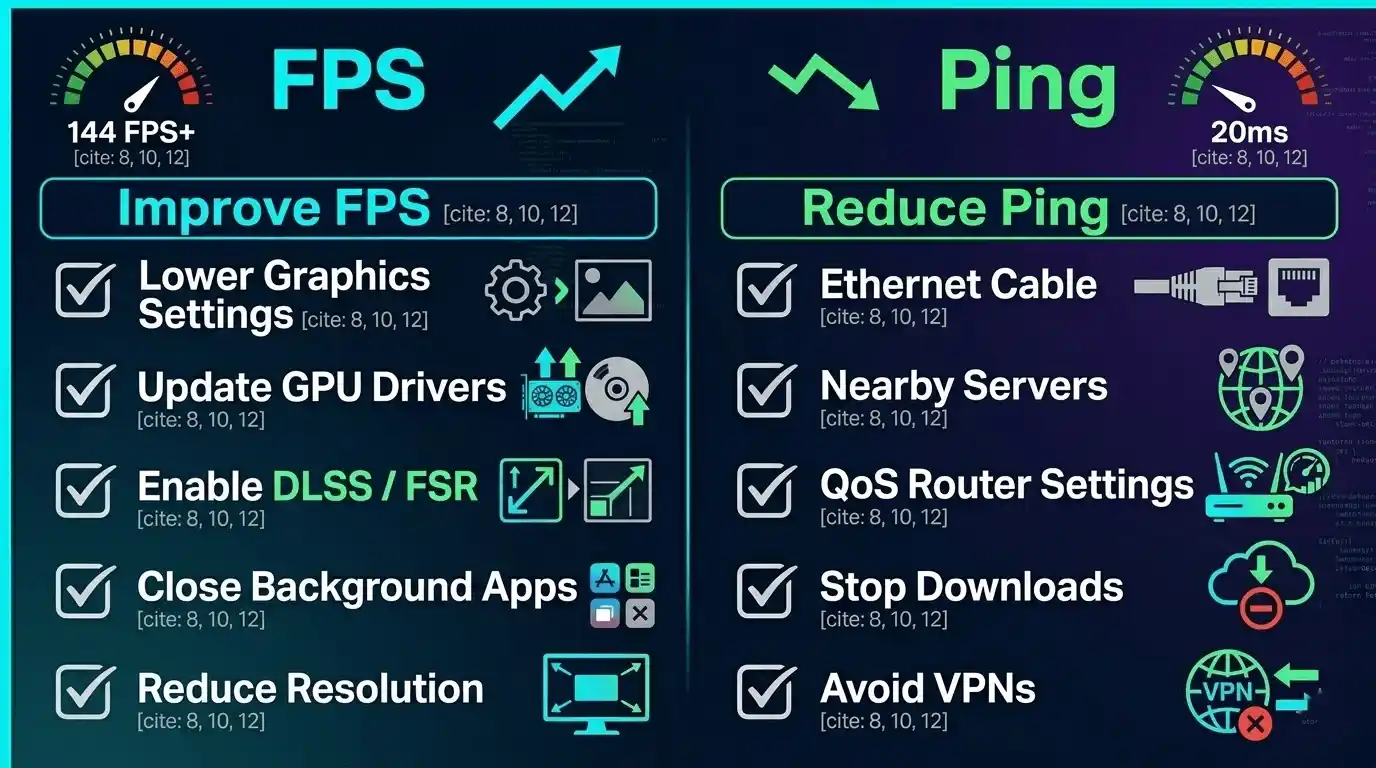
The most effective FPS improvements include:
- Lowering resolution
- Reducing shadows and draw distance
- Updating GPU drivers
- Closing background apps
- Disabling unnecessary overlays
- Turning off ray tracing
- Using DLSS or FSR when available
Disabling ray tracing alone can improve FPS by 20–40% in demanding games.
How to Reduce Ping for Online Gaming
Best ways to lower latency:
- Switch to Ethernet
- Use nearby game servers
- Enable router QoS
- Stop background uploads
- Avoid VPNs while gaming
- Upgrade poor ISP routing plans
Common FPS Issues and Fixes
| Problem | Likely Cause | Fix |
| FPS drops online only | CPU bottleneck | Lower player detail settings |
| Stuttering with high FPS | Packet loss | Test network stability |
| Low FPS everywhere | GPU limitation | Lower settings or upgrade GPU |
| Game feels delayed | High ping | Use Ethernet |
Calculate Your Exact FPS with FPS Calculator for Low-End PCs
If you’ve confirmed your internet isn’t causing the problem, the next step is understanding what your hardware can realistically deliver.
The FPS Calculator for Low-End PCs helps estimate expected frame rates using your exact GPU and CPU combination. It’s especially useful for gamers troubleshooting poor performance, testing upgrade ideas, or figuring out the best settings before launching a game.
Instead of relying on random YouTube benchmarks or inaccurate guesses, the calculator provides more realistic expectations tailored to your hardware tier.
👉 Try the FPS Calculator here: FPS Calculator for Low-End PCs
Conclusion — Does Internet Speed Affect FPS? Final Verdict
Internet speed does not affect FPS in traditional gaming.
Your frame rate is controlled by:
- GPU performance
- CPU capability
- RAM speed
- Graphics settings
- Game optimization
What internet does affect is:
- Ping
- Latency
- Packet loss
- Online responsiveness
Cloud gaming is the only major exception where internet speed directly impacts effective FPS and stream quality.
If your game feels laggy, first determine whether the problem is low FPS or high ping. Once you identify the real bottleneck, fixing performance becomes much easier — whether that means lowering settings, upgrading hardware, or improving your network setup.