Gaming on older hardware is far from dead. In fact, some of the most popular games in 2026 are optimized well enough to run smoothly on integrated graphics, entry-level GPUs, and aging CPUs. If you’re using an Intel UHD graphics chip, a GTX 1050, a GT 1030, or a basic Ryzen 3 system, there are still plenty of great games worth playing.
For more performance guides, FPS tips, and game optimization strategies, explore our Ultimate Gaming Guide Hub, where we break down everything from hardware tuning to game recommendations.
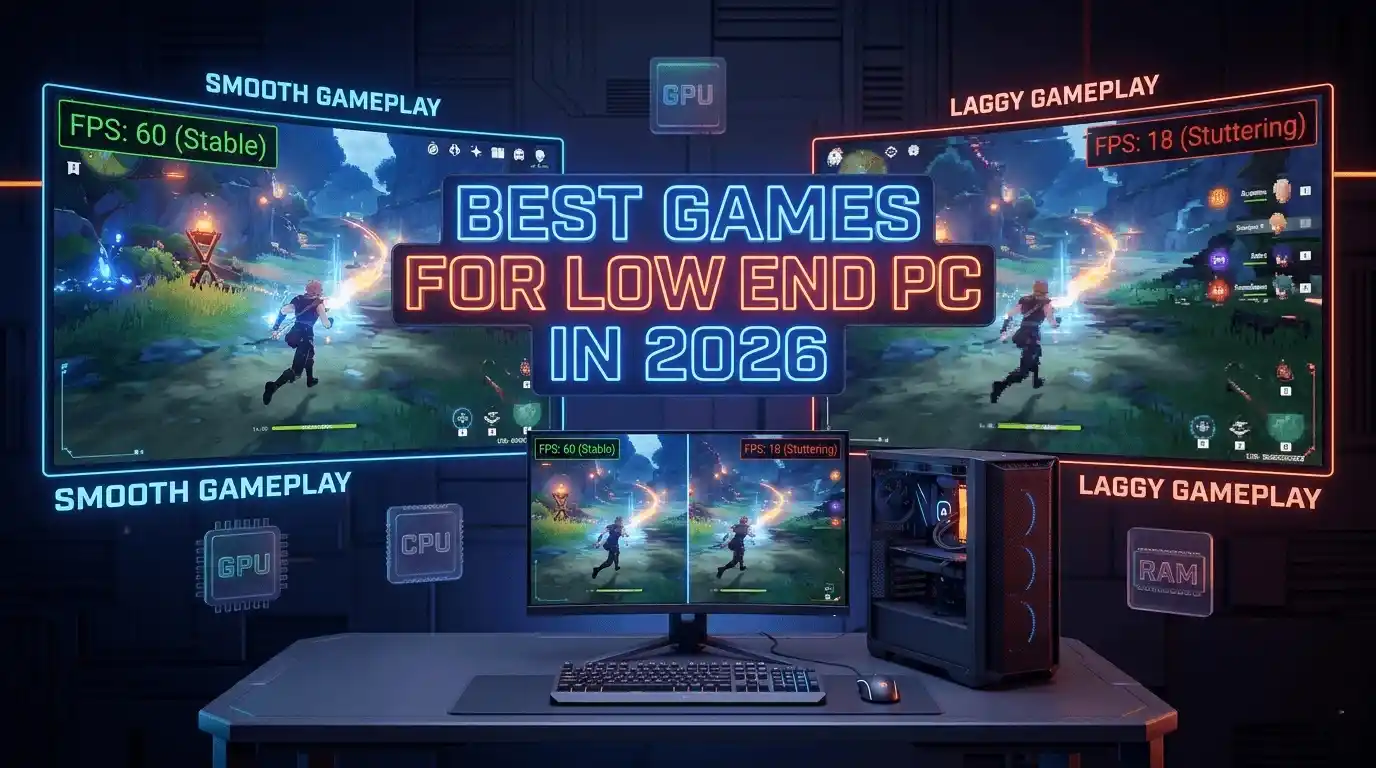
The biggest mistake low-end PC gamers make is focusing only on graphics quality. In reality, consistent FPS (frames per second) matters far more than visual fidelity. A stable 60 FPS experience often feels significantly better than a visually impressive game struggling below 30 FPS.
This guide covers the best games for low end PC in 2026, realistic FPS expectations, optimization tips, and benchmark data to help you find games that actually run well.
What Makes a Game “Low End PC Friendly”?
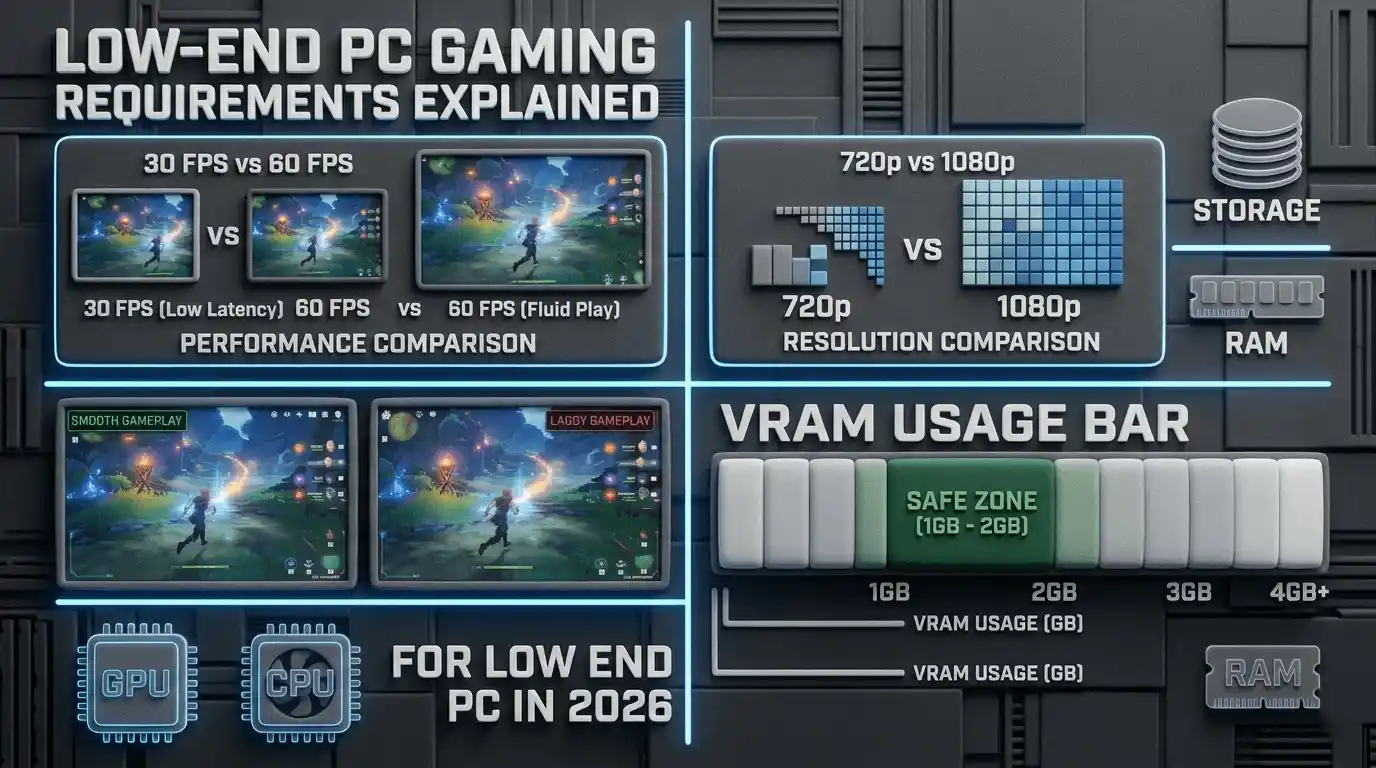
A low-end PC-friendly game is one that delivers playable frame rates without requiring expensive hardware upgrades. These games typically feature scalable graphics settings, efficient engines, and lower VRAM requirements.
Key Performance Benchmarks to Look For
When evaluating whether a game will run well on your system, focus on these benchmarks:
- 30 FPS: Playable minimum experience
- 60 FPS: Smooth gameplay target
- 720p Resolution: Best option for integrated graphics
- 1080p Resolution: Ideal for GTX 1050-class GPUs
- 1GB–2GB VRAM Usage: Safe range for older graphics cards
A game that maintains stable FPS is usually more enjoyable than one with better visuals but constant stuttering.
Minimum vs Recommended Specs — What Actually Matters
| Component | Low-End Threshold | Why It Matters |
| GPU | GTX 750 Ti / GT 1030 | Main rendering workload |
| CPU | Intel i3 / Ryzen 3 | Game logic and physics |
| RAM | 4GB–8GB | Texture streaming and multitasking |
| Storage | HDD acceptable | Primarily affects load times |
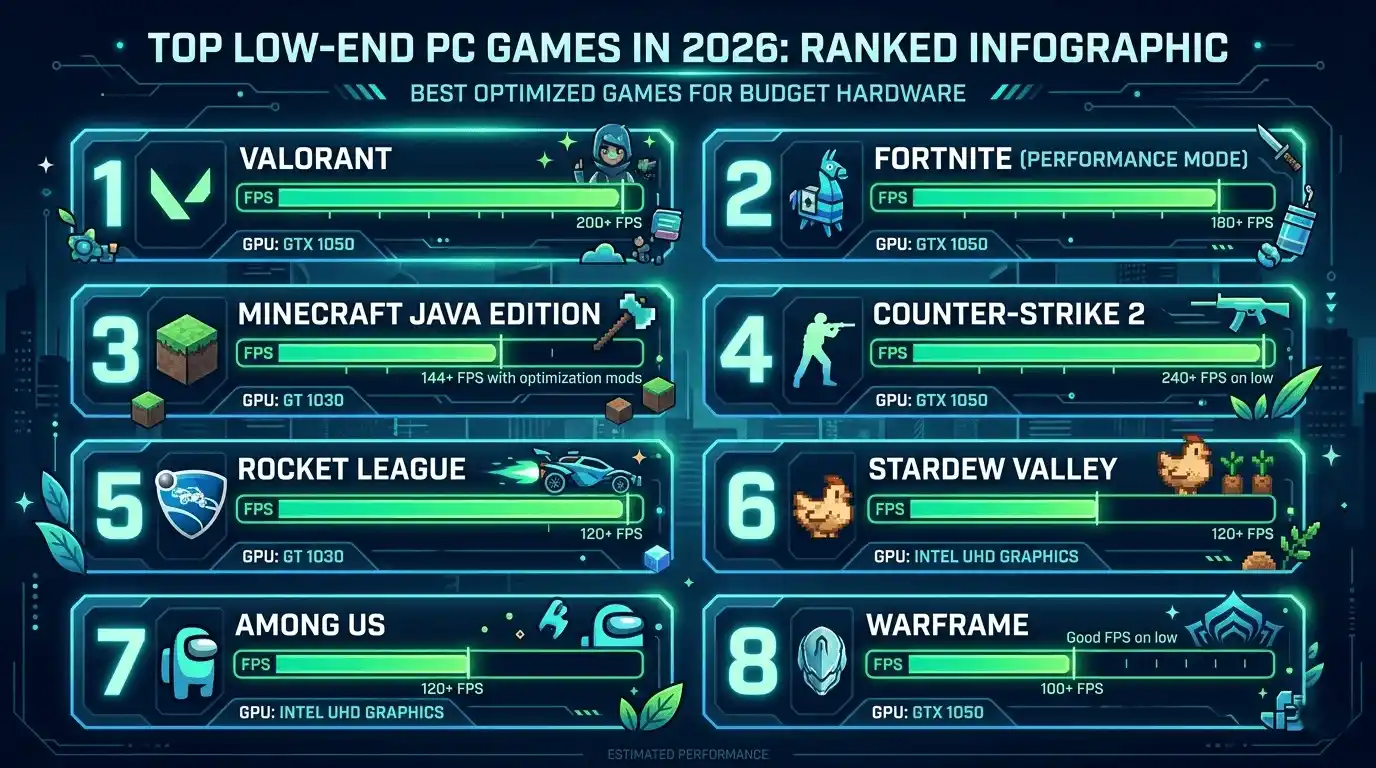
Best Low End PC Games in 2026 — Full Ranked List
🎮 More Performance & FPS Guides You Should Read
If you’re optimizing low-end hardware, understanding FPS performance is just as important as choosing the right games. These guides help you improve system performance, compare hardware, and understand real gaming benchmarks in 2026.
👉 Recommended reads:
- What FPS Can I Get on My PC? — How to Check, Estimate & Boost Your Frame Rate
- Does RAM Affect FPS in Games?
- SSD vs HDD for Gaming: Which Is Better in 2025?
These guides help you fine-tune performance so even low-end PCs can deliver smoother and more stable gameplay.
Valorant — Best Free-to-Play Competitive FPS for Potato PCs
Valorant remains the gold standard for low-end competitive gaming. Riot Games designed the game to run smoothly on a wide range of hardware, making it one of the easiest modern FPS titles to recommend.
Expected FPS Performance
| GPU | Resolution | Settings | Expected FPS |
| Intel UHD 630 | 720p | Low | 45–65 FPS |
| GTX 750 Ti | 1080p | Low | 80–100 FPS |
| GTX 1050 | 1080p | Medium | 90–120 FPS |
For maximum performance:
- Material Quality: Low
- Texture Quality: Low
- Anti-Aliasing: None
- Bloom: Off
- Distortion: Off
Fortnite (Performance Mode) — Surprisingly Potato PC Friendly
Fortnite’s Performance Mode dramatically reduces hardware requirements by lowering memory usage and simplifying graphics.
Expected performance:
- GT 1030: 40–60 FPS
- GTX 1050: 55–75 FPS
- GTX 1050 Ti: 65–90 FPS
Performance Mode can reduce VRAM usage below 1GB, making it an excellent option for older GPUs.
Minecraft (Java Edition) — Timeless Low-End Champion
Minecraft remains one of the most scalable games available.
Using OptiFine and reducing render distance can significantly improve frame rates.
| Version | GPU | Resolution | FPS |
| Vanilla | Intel UHD 630 | 720p | 35–50 FPS |
| OptiFine | Intel UHD 630 | 720p | 50–70 FPS |
The game remains highly playable even on older integrated graphics solutions.
CS2 (Counter-Strike 2) — Optimized via Steam
Although Counter-Strike 2 is more demanding than CS:GO, it remains playable on entry-level hardware with proper settings.
| GPU | 1080p Low | 1080p Medium |
| GTX 1050 | 90–110 FPS | 55–75 FPS |
| GTX 1060 | 120–140 FPS | 80–100 FPS |
For better FPS:
- Global Shadow Quality: Very Low
- Shader Detail: Low
- Boost Player Contrast: Off
- Multicore Rendering: Enabled
Rocket League — Fast, Fun, Low-Spec
Rocket League continues to perform exceptionally well on older systems.
A GTX 750 Ti can easily achieve:
- 60+ FPS at 1080p Low
- Competitive gameplay without expensive hardware
Stardew Valley — Zero GPU Demand, Maximum Fun
Stardew Valley runs smoothly on almost any computer built after 2010.
Benefits include:
- Minimal GPU usage
- Extremely low RAM requirements
- Stable 60 FPS on integrated graphics
Among Us — Sub-1GB VRAM, Runs on Anything
Among Us remains one of the easiest multiplayer games to run.
Most systems can achieve:
- 60 FPS at 1080p
- Negligible GPU usage
- Very low CPU requirements
Warframe — Free-to-Play, Scalable Performance
Warframe’s engine scales surprisingly well on older hardware.
| GPU | Settings | FPS Range |
| GTX 950 | Low | 55–70 FPS |
| GTX 1050 Ti | Medium | 65–85 FPS |
Players can reduce effects and shadows for additional performance gains.
Townscaper / Townsfolk-Style Builders — Zero Performance Cost
Relaxing city-building and creativity-focused games place very little stress on your system.
Advantages:
- Runs well on 4GB RAM systems
- No competitive FPS requirements
- Extremely low GPU demand
Terraria — 2D Masterpiece, Runs on a Calculator
Terraria remains one of the best-value games available.
Even older hardware typically achieves:
- Stable 60 FPS
- Smooth multiplayer gameplay
- Minimal system resource usage
Best Free Games for Low End PC in 2026 — Zero Cost, Real Performance
Top Free-to-Play Low-End Games by Category
| Game | Genre | Minimum GPU | 60 FPS Possible? |
| Valorant | FPS | Intel UHD | ✅ Yes |
| Warframe | Action RPG | GTX 750 Ti | ✅ Yes |
| Path of Exile | ARPG | GTX 650 | ✅ Yes |
| Brawlhalla | Fighting | Intel HD | ✅ Yes |
| Genshin Impact | RPG | GTX 1060 | ⚠️ Borderline |
Best Multiplayer Games for Low End PC in 2026
Competitive Multiplayer — Best FPS for Low-End GPUs
For competitive gaming, these titles offer the best balance of performance and gameplay:
- Valorant
- CS2
- Brawlhalla
All three can maintain playable frame rates on modest hardware.
Co-op Multiplayer — Fun Without the Hardware Tax
If you prefer cooperative experiences:
- Terraria
- Among Us
- Warframe
These games scale well and don’t require powerful GPUs.
Expected FPS by GPU — Low-End PC Games Benchmark Overview 2026
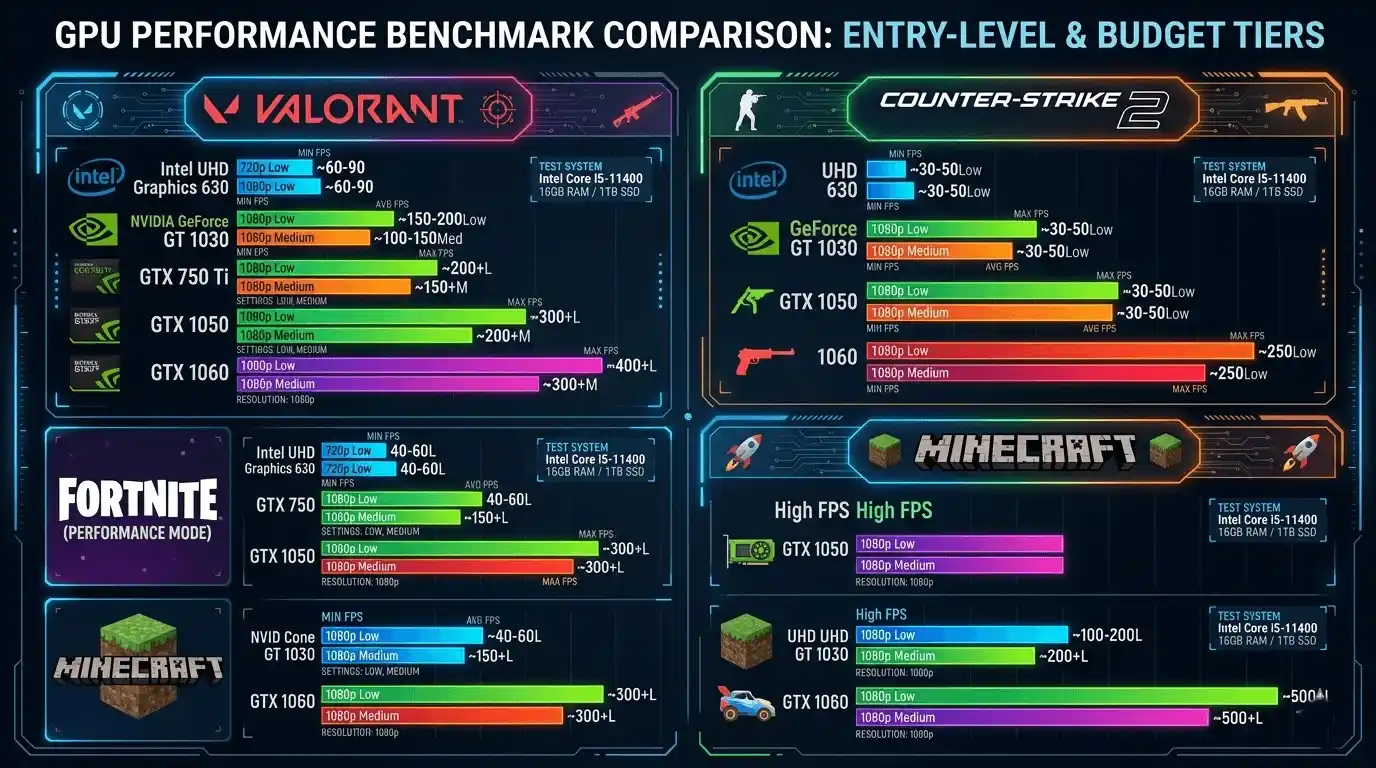
GTX 1050 / 1050 Ti FPS Benchmarks
| Game | Resolution | Settings | FPS |
| Valorant | 1080p | Low | 110–140 |
| CS2 | 1080p | Low | 90–110 |
| Warframe | 1080p | Low | 60–80 |
| Fortnite Performance Mode | 1080p | Performance | 55–75 |
Intel UHD 630 / Integrated Graphics FPS Benchmarks
| Game | Resolution | Settings | FPS |
| Valorant | 720p | Low | 45–65 |
| Minecraft OptiFine | 720p | Low | 50–70 |
| Stardew Valley | 1080p | Default | 60 Stable |
| Among Us | 1080p | Default | 60 Stable |
How to Check If Your PC Can Run These Games at 60 FPS
Manual Method — Check Minimum System Requirements
You can estimate performance manually by:
- Comparing your GPU to the game’s requirements
- Looking up benchmark videos
- Reviewing community FPS reports
- Checking Steam system requirements
Faster Method — Use an FPS Calculator for Low-End PCs
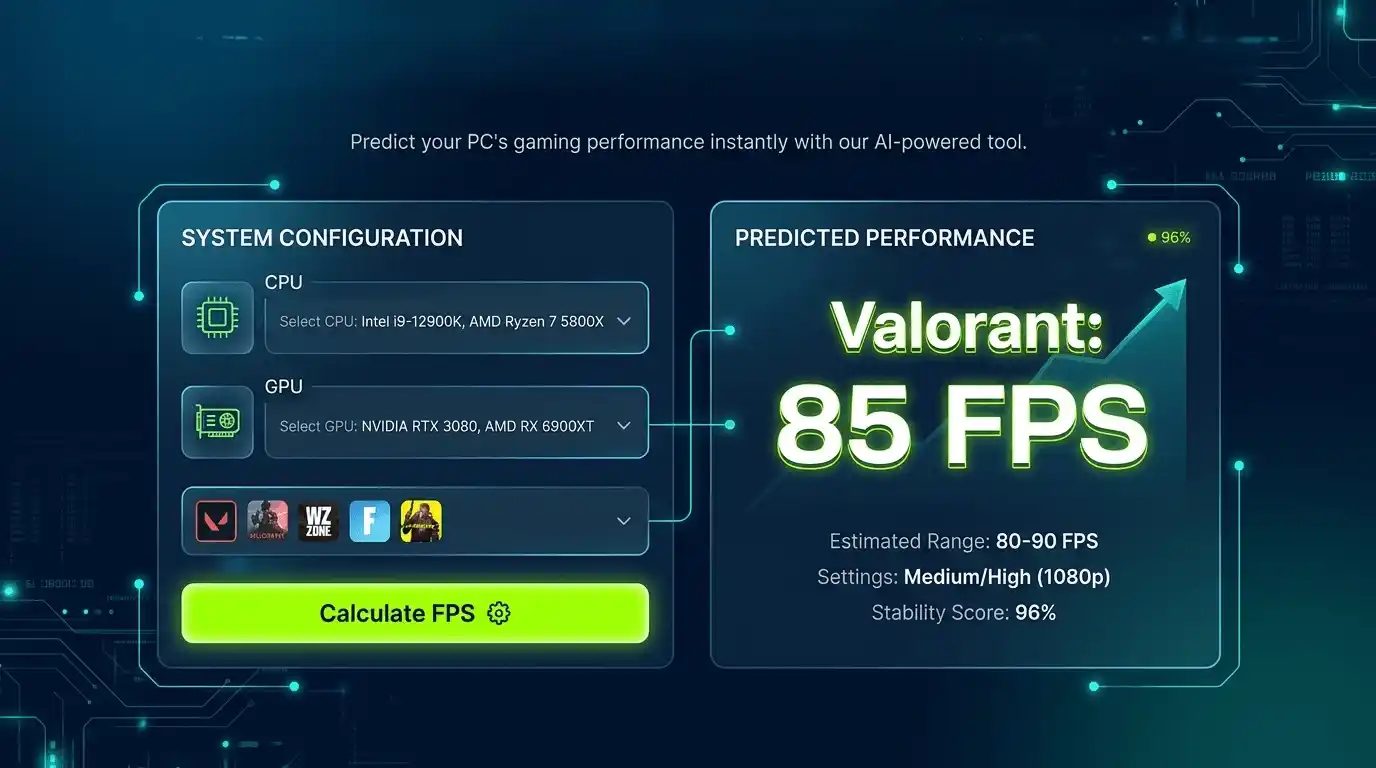
Instead of manually estimating, you can use the FPS Calculator for Low End PC to calculate your expected FPS based on your exact GPU and CPU combination. This saves time and provides a realistic performance estimate before you download a game.
👉 FPS Calculator: https://primegamesarena.com/fps-calculator-for-low-end-pc/
Best In-Game Settings to Maximize FPS on Low-End PCs
Universal Low-End PC Settings (Apply to Most Games)
For the largest FPS gains:
- Resolution: 1280×720
- Shadows: Off or Very Low
- Anti-Aliasing: Off
- Texture Quality: Low
- Motion Blur: Off
- V-Sync: Off
These adjustments often improve frame rates by 20–50%.
Game-Specific FPS Settings
Valorant
- Material Quality: Low
- Texture Quality: Low
- Anti-Aliasing: None
- Render Resolution: 100% or 75%
Potential FPS gain: 30–60%
CS2
- Global Shadow Quality: Very Low
- Shader Detail: Low
- Multicore Rendering: Enabled
Potential FPS gain: 20–40%
Common FPS Problems on Low-End PCs — and How to Fix Them
FPS Drops Mid-Game
Possible cause:
- RAM exhaustion
Solutions:
- Close background applications
- Disable overlays
- Reduce texture quality
- Upgrade to 8GB RAM if possible
Stuttering Despite High Average FPS
Possible cause:
- CPU bottleneck
- Poor 1% low FPS performance
Solutions:
- Lower draw distance
- Reduce simulation settings
- Enable Windows Game Mode
Game Runs Below 30 FPS Despite Meeting Minimum Requirements
Remember: minimum requirements generally target 30 FPS, not 60 FPS.
Try:
- Lowering resolution to 720p
- Disabling post-processing
- Reducing shadows
- Verifying expected FPS before tweaking settings
Calculate Your Exact FPS Before You Download — Low-End PC Tool
FPS Calculator for Low End PC — Know Before You Play
The FPS Calculator for Low End PC estimates your expected frame rate using your exact CPU and GPU combination. Instead of relying on guesswork or outdated benchmark videos, you receive a quick estimate tailored to your hardware.
This tool is especially useful for players using GTX 1050-tier GPUs, GT 1030 systems, Intel UHD graphics, or older Ryzen and Intel processors. It helps you determine whether a game can achieve smooth 60 FPS performance before you commit to a large download.
👉 Calculate Your FPS Now → https://primegamesarena.com/fps-calculator-for-low-end-pc/
Final Verdict — Best Games for Low End PC in 2026
Quick-Pick Summary by Use Case
| Use Case | Best Game | Minimum GPU |
| Best Competitive FPS | Valorant | Intel UHD |
| Best Free Multiplayer | Warframe | GTX 750 Ti |
| Best Casual Game | Stardew Valley | Intel HD |
| Best Co-op Game | Terraria | Intel HD |
| Best Battle Royale | Fortnite Performance Mode | GT 1030 |
Key Takeaways
Low-end PC gaming in 2026 is more accessible than ever. Games like Valorant, Terraria, Stardew Valley, Warframe, and Fortnite prove that enjoyable gaming does not require expensive hardware.
The most important factor is achieving stable frame rates through smart settings and realistic expectations. With a GTX 1050-class GPU, reaching 60 FPS in many modern games remains entirely possible.
Before downloading your next game, use the FPS Calculator for Low End PC to verify expected performance and avoid wasting time on titles that won’t run smoothly on your system.