

What PC Parts Affect Gaming the Most?
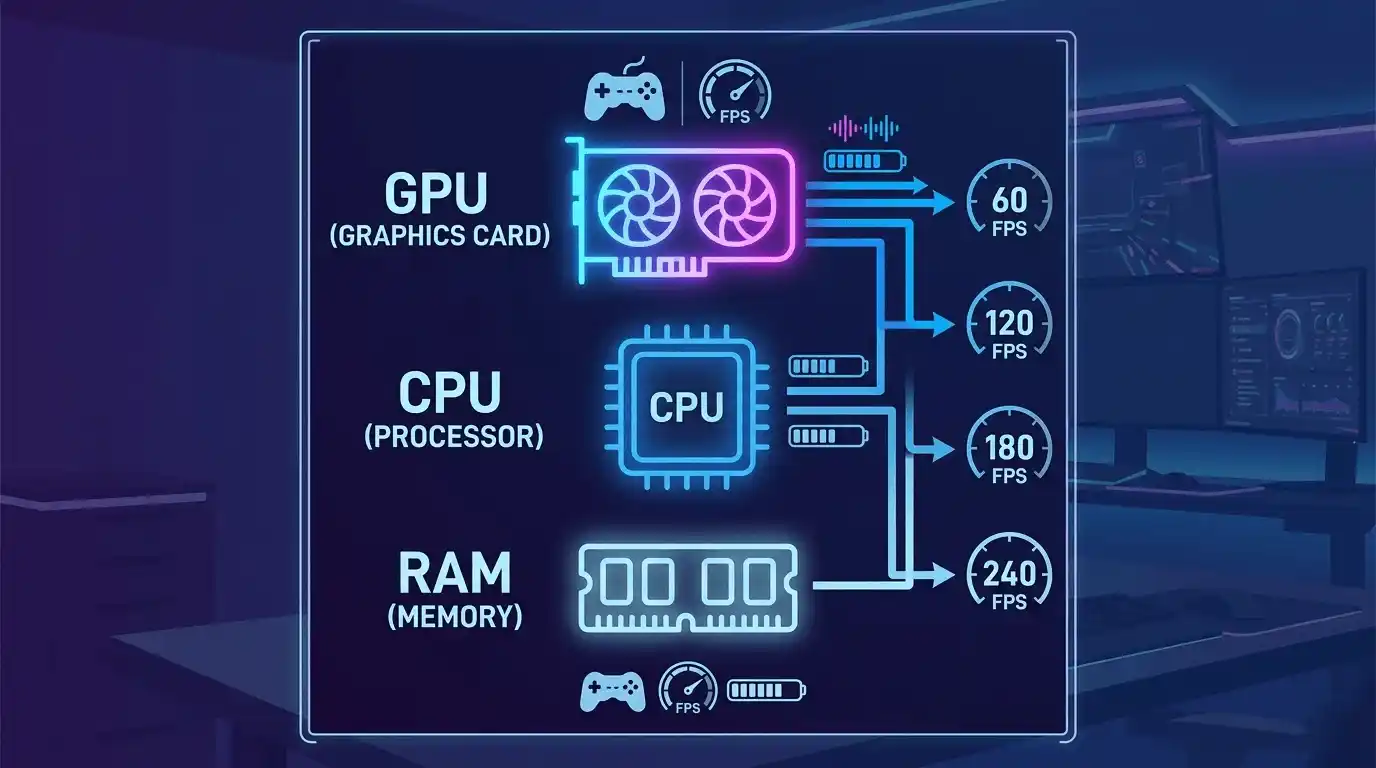
If you’re trying to increase FPS in games, not all PC parts matter equally. Some components directly control your frame rate, while others mainly support stability or loading performance.
The 3 parts that matter most for FPS
- GPU (Graphics Card): The #1 FPS driver — it renders all in-game visuals and determines most of your performance.
- CPU (Processor): Handles game logic, AI, physics, and background calculations that affect smoothness and minimum FPS.
- RAM (Memory): Ensures smooth data flow between CPU and GPU, especially important for modern games and multitasking.
What this guide covers
This guide explains exactly how each PC part affects gaming performance, FPS benchmarks across hardware tiers, upgrade priorities, and practical tips to boost FPS. You’ll also learn how to predict your FPS before buying hardware. If you’re planning upgrades or comparing performance across different games, you may also find benchmarking-focused guides like Cyberpunk 2077, DOOM (2016), and Far Cry Primal helpful for understanding real-world FPS scaling.
GPU — The Most Important Part of a Gaming PC for FPS
What is a GPU and what does it do?
A GPU (Graphics Processing Unit) is responsible for rendering everything you see in a game — textures, lighting, shadows, and effects. In simple terms, it is the main FPS generator in any gaming PC. A GPU (Graphics Processing Unit) is the core component responsible for rendering graphics in games and applications, and you can learn more about it here:
When people ask “what does a GPU do?”, the answer is straightforward: it converts game data into frames that appear on your screen.
How the GPU directly controls your FPS
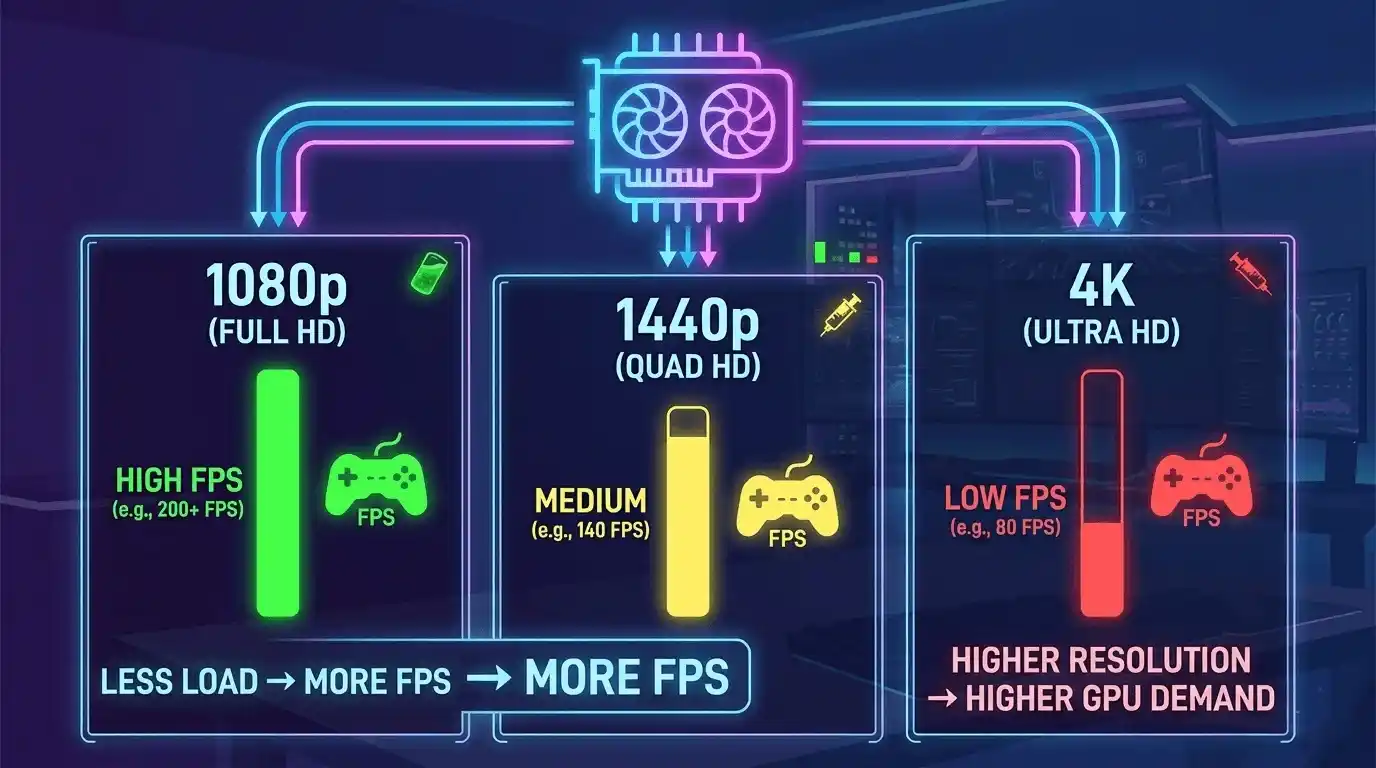
The GPU determines how many frames per second your system can render. Higher resolution = more GPU load = lower FPS if the GPU is weak.
- 1080p gaming: Less GPU pressure → higher FPS
- 1440p gaming: Balanced load → moderate FPS drop
- 4K gaming: Heavy GPU load → FPS drops significantly
A GPU bottleneck occurs when your graphics card cannot keep up with the game demand, limiting FPS even if your CPU is strong.
GPU FPS benchmark table by tier
| GPU Tier | Example GPU | 1080p FPS (avg) | 1440p FPS (avg) | 4K FPS (avg) | Notes |
| Entry-level | RTX 3060 / RX 6600 | 90–120 | 55–75 | 25–35 | 1080p gaming focused |
| Mid-range | RTX 4070 / RX 7700 XT | 130–160 | 90–120 | 55–75 | Best value tier |
| High-end | RTX 4080 / RX 7900 GRE | 170–200+ | 130–160 | 85–110 | 4K capable |
| Flagship | RTX 4090 / RX 7900 XTX | 200+ | 180+ | 120+ | Maximum performance |
CPU — How Much Does the Processor Affect FPS?
CPU vs GPU — which matters more for gaming?
CPU-heavy games like Civilization VI, Age of Mythology: Tale of the Dragon, and Fire Emblem: Three Houses – Cindered Shadows clearly show how processor performance can limit FPS even when the GPU is strong.
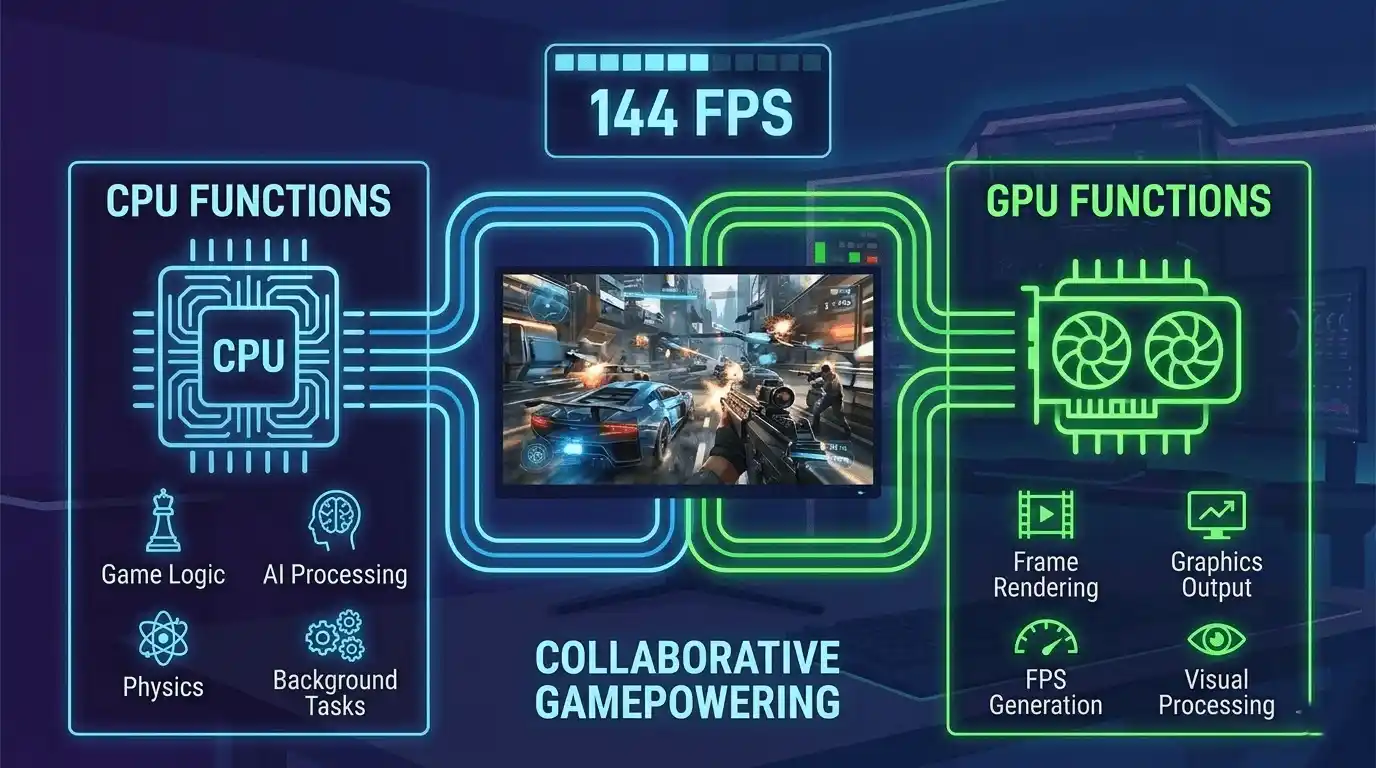
The CPU and GPU work together, but they have different roles:
- GPU: Draws frames (visual performance)
- CPU: Processes game logic (AI, physics, world simulation)
A weak CPU can cause FPS drops in CPU-heavy games or high refresh rate setups (144Hz+).
CPU FPS impact by game type
| Game Type | CPU Dependency | GPU Dependency | Example Titles |
| Open world | High | Medium | GTA V, Minecraft |
| Competitive FPS | High | High | CS2, Valorant |
| AAA story games | Medium | Very High | Cyberpunk 2077 |
| Strategy games | Very High | Low | Civilization VI |
CPU tier vs FPS impact table
| CPU Tier | Example CPU | Cores/Threads | FPS Impact |
| Budget | Ryzen 5 5600 / i5-12400F | 6C/12T | Baseline performance |
| Mid-range | Ryzen 7 7700X / i5-13600K | 8–14 cores | +10–20 FPS boost |
| High-end | Ryzen 9 7900X / i9-13900K | 12+ cores | Stable high FPS |
RAM, Storage, and Other Parts — How Much Do They Affect Gaming FPS?
How much RAM do you need for gaming?
RAM affects how smoothly games run, especially modern AAA titles.
- 8GB RAM: Stuttering in new games
- 16GB RAM: Current gaming standard
- 32GB RAM: Future-proof + multitasking
Dual-channel RAM can improve FPS by 5–15% in CPU-bound games.
Does SSD vs HDD affect FPS?
SSDs do NOT directly increase FPS. However, they:
- Reduce loading times
- Prevent texture streaming stutter
- Improve open-world smoothness
NVMe SSDs perform better than SATA SSDs in asset-heavy games.
Motherboard, PSU, and cooling impact
- Motherboard: Enables performance features (overclocking support)
- PSU: Ensures stable power (prevents crashes, not FPS gain)
- Cooling: Prevents thermal throttling (maintains stable FPS)
PC Parts Ranked by FPS Impact — Complete Comparison Table
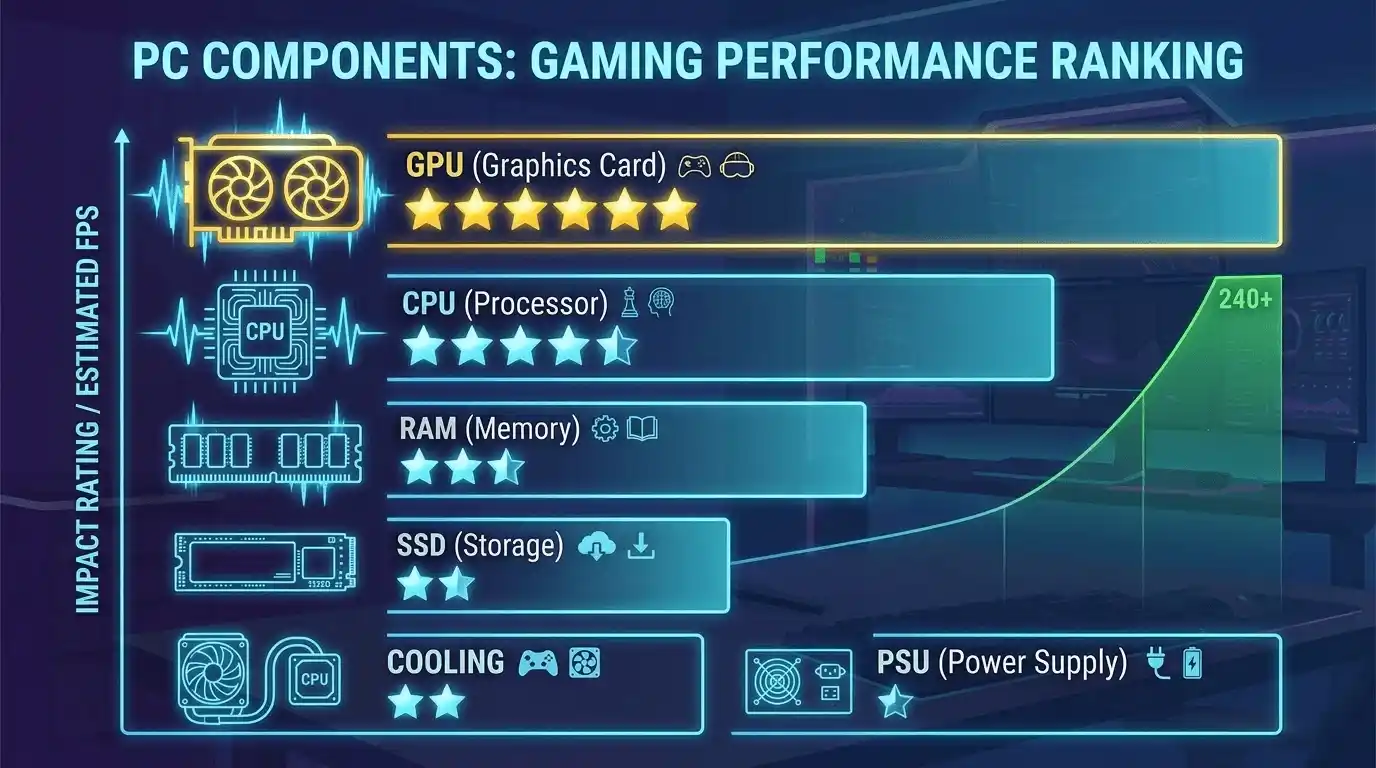
| Component | FPS Impact | Priority |
| GPU | Very High | ⭐⭐⭐⭐⭐ |
| CPU | High | ⭐⭐⭐⭐ |
| RAM Capacity | Medium | ⭐⭐⭐ |
| RAM Speed | Low–Medium | ⭐⭐⭐ |
| SSD Storage | Indirect | ⭐⭐ |
| Cooling | Indirect | ⭐⭐ |
| PSU | None | ⭐ |
The key takeaway: only GPU and CPU directly control FPS output. Everything else supports performance stability.
How to Check Your Expected FPS Before Buying PC Parts
Before upgrading your system, it’s important to estimate real FPS performance based on your hardware combination.
Common methods include:
- Benchmark videos (YouTube GPU tests)
- In-game FPS counters (MSI Afterburner)
- Synthetic tests like 3DMark
- Community FPS databases
Instead of manually estimating, you can use Prime Games Arena FPS Calculator — it calculates your expected FPS based on your exact GPU and CPU specs. This saves time and gives you accurate results before you even launch the game.
Best PC Parts for Gaming at Every Budget
Budget gaming PCs ($500 or less)
- Focus: 1080p 60–100 FPS
- Best GPU: RX 6600 / RTX 3060
- Best CPU: Ryzen 5 5600 / i5-12400F
This setup is ideal for esports and medium settings gaming.
Mid-range gaming PCs ($500–$1000)
- Focus: 1080p 144Hz or 1440p gaming
- Best GPU: RTX 4070 / RX 7700 XT
- Best CPU: Ryzen 7 7700X / i5-13600K
Expect 100–144 FPS in most modern games.
High-end gaming PCs ($1000+)
- Focus: 1440p ultra or 4K gaming
- Best GPUs: RTX 4080 / RTX 4090
- Designed for ultra settings and future-proof performance
How to Build a Gaming PC — Parts Checklist and Build Guide
A complete gaming PC requires:
- GPU (main FPS driver)
- CPU (game logic processor)
- RAM (minimum 16GB dual-channel)
- SSD (fast loading storage)
- Motherboard (compatibility platform)
- PSU (stable power delivery)
- Cooling system (prevents thermal FPS drops)
- PC case (airflow management)
Tools like PCPartPicker help ensure compatibility, but they don’t estimate FPS performance.
How to Boost FPS — Tips That Actually Work
Optimization techniques like these are especially important in demanding modern titles such as The Witcher 3: Wild Hunt, Ghost of Tsushima, and Rise of the Tomb Raider, where settings adjustments can significantly improve FPS.
In-game settings that matter most
- Lower resolution scale = biggest FPS boost
- Reduce shadows = major GPU savings
- Use DLSS/FSR = free FPS increase
- Disable ray tracing for +20–40 FPS gain in many games
System-level FPS improvements
- Update GPU drivers regularly
- Enable High Performance mode in Windows
- Close background apps
- Enable XMP/EXPO for RAM speed boost
Calculate Your Exact FPS with Prime Games Arena FPS Calculator
If you want to know your real gaming performance before upgrading, building, or buying a PC, this tool removes all guesswork.
The Prime Games Arena FPS Calculator helps you:
- Predict FPS based on GPU + CPU combination
- Compare upgrade options before spending money
- Understand real performance in modern games
- Avoid bottleneck mistakes in PC builds
Whether you’re building a budget gaming PC or upgrading an existing setup, this tool gives you a clear performance expectation.
👉 Try the Prime Games Arena FPS Calculator here: https://primegamesarena.com/fps-calculator-for-low-end-pc/
Final Verdict — What PC Parts Should You Upgrade First for Better FPS?
If your goal is maximum FPS improvement, upgrade in this order:
- GPU: Biggest FPS increase in almost every game
- CPU: Important for high refresh rate gaming
- RAM: Upgrade to 16GB dual-channel minimum
- SSD: Improves loading and smoothness, not FPS
- Cooling: Maintains stable performance under load
Frequently asked questions
What PC part increases FPS the most?
The GPU has the biggest direct impact on FPS in gaming.
Is RAM important for gaming FPS?
Yes, but mainly when upgrading from low capacity (8GB → 16GB).
Does SSD improve FPS?
No, it improves loading speed and reduces stutter, not raw FPS.
Is CPU or GPU more important?
GPU is more important for FPS, but CPU matters in competitive and CPU-heavy games.
Conclusion
Understanding which PC parts affect gaming performance helps you avoid wasting money on unnecessary upgrades. The GPU remains the most important component for FPS, followed by the CPU and RAM. For accurate planning, always check your expected performance before buying new hardware using FPS estimation tools.
If you want to optimize your gaming experience, start by measuring your current FPS potential — then upgrade strategically instead of guessing.








11 Responses